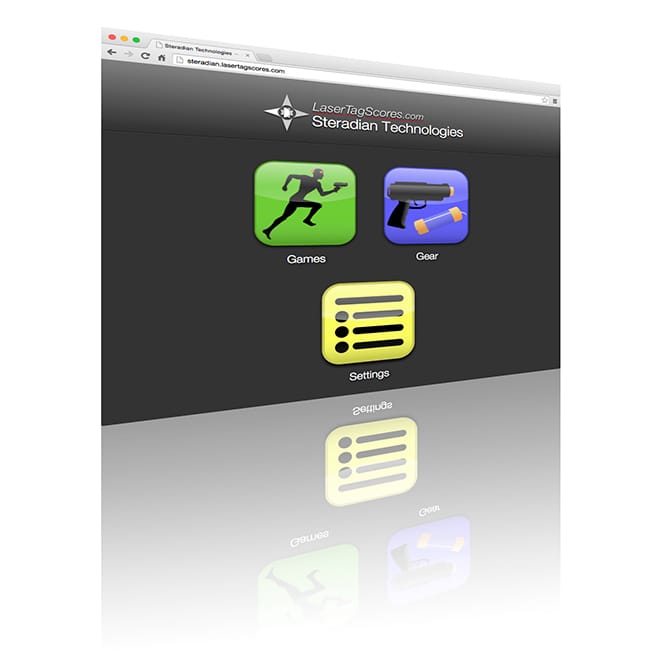
LaserTagScores.com
Simple, powerful game management software.
Price: Contact us
Advanced game management software to start games, display scores and more. Requires Chimera Hub and X-Series equipment.
A revolution in laser tag scoring

🌐 LaserTagScores.com: A Revolution in Game Control and Scoring LaserTagScores.com transforms how you manage and track your laser tag games. With our simple web browser interface, you can set up, control, and manage games seamlessly, all in real-time.
Key Features: Personalized Score Page: Display your field’s name and information, instantly uploading game scores and stats to the internet.
Instant Score Viewing: Players can easily view their scores and stats in real-time on their smartphones, or check them out later at home.
Social Sharing: Players can share their LaserTagScores.com results on platforms like Twitter, Facebook, and Google+.
Offline Mode: Play games anywhere, with or without an internet connection, using Offline Mode for flexible game management.
LaserTagScores.com is designed to work exclusively with the X-Series laser tag guns, the most advanced laser tag equipment available today.
For game scenarios and rules, head to the games page and discover new ways to challenge your players!

To explore LaserTagScores.com in depth, click here to download the X-Series Manual!
Start screen
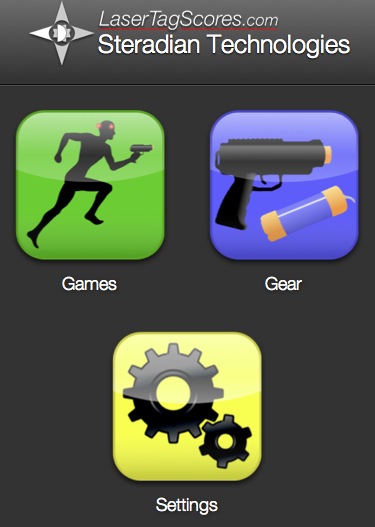
🏠 Your Gateway to Seamless Game Management The home screen of LaserTagScores.com is your central hub for everything. From here, you can easily:
Start a New Game: Set up and launch a game with just a few clicks.
Configure New Gear: Add or update your equipment to ensure everything is synced and ready.
Adjust Field Settings: Customize your field preferences to tailor the experience to your specific needs.
It’s all streamlined and simple, ensuring you’re ready to play in no time.
Game start
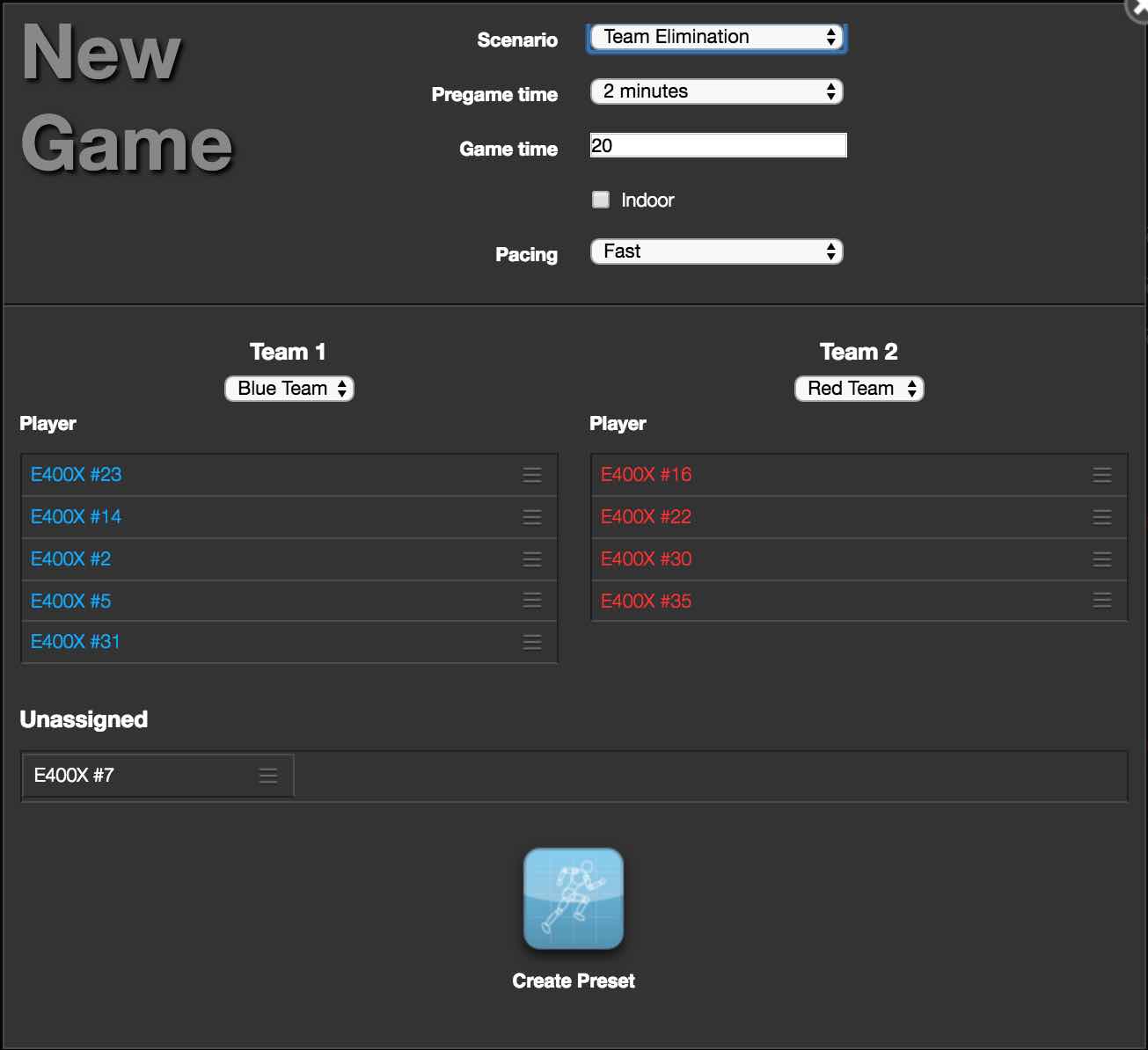
⏱️ Start a Game in Seconds! With LaserTagScores.com, setting up a game is quick and easy. Simply:
Select a Scenario: Choose from a variety of exciting game modes.
Assign Guns to Teams: Automatically assign guns to each team for seamless gameplay.
Click Start Game: Launch your game with a single click, and you’re ready to go!
It’s that simple — start the action in seconds
Player scores
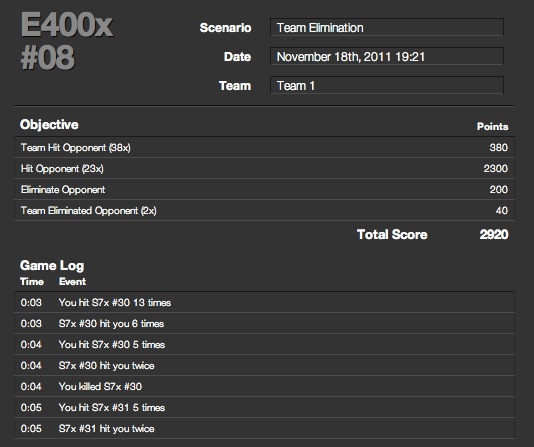
📊 Track Player Performance and Postgame Analysis With LaserTagScores.com, you can easily:
View Individual Player Scores: See how each player performed during the game.
Game Log: Use the Game Log to track important events throughout the game for detailed postgame analysis.
Your players can also access the LaserTagScores.com website to:
View Their Scores: Players can check their performance and see how they stack up against others.
Compare Performance: See how they fare against fellow players, or compare scores over time.
Share Top Scores: Players can post their best results on Facebook, Twitter, or Google+, so everyone knows who’s on top!
System requirements
🖥️ System Requirements for Running a Game To run a laser tag game with LaserTagScores.com, you will need the following:
X-Series Laser Tag Guns
Chimera Hub: For communication with laser tag guns.
Google Chromebook or MacOS with Safari for easy setup and management.
Full Power USB Port: Ensure you’re using a full power USB port (keyboard or self-powered USB hubs won’t provide enough power).
Optional Internet Connection: Use it for uploading scores in real time.
📱 System Requirements for Viewing Scores To view game scores, all you need is a device running a typical web browser:
PC, Mac, Tablet, or Phone.
Learn more
Learn more about all the options available in LaserTagScores.com in the X-Series manual!